
Battlefield 2042 Portal Logic Editor Tips That Still Work in 2026
Battlefield 2042 Portal logic editor tips: use subroutines, text-block comments, and vehicle spawn settings to build cleaner custom modes.
I still think Portal is the closest Battlefield 2042 gets to handing players a box of loose fireworks and a lighter. In 2026, the mode remains a strange little workshop where official maps, remastered classics, and custom logic all share the same bench. I spend most of my Portal time in the logic editor, and I have learned that the difference between a fun custom mode and a debugging nightmare is usually a handful of habits. Here are the ones I wish someone had tattooed on my forehead before I started.

Start with subroutines, not heroic spaghetti
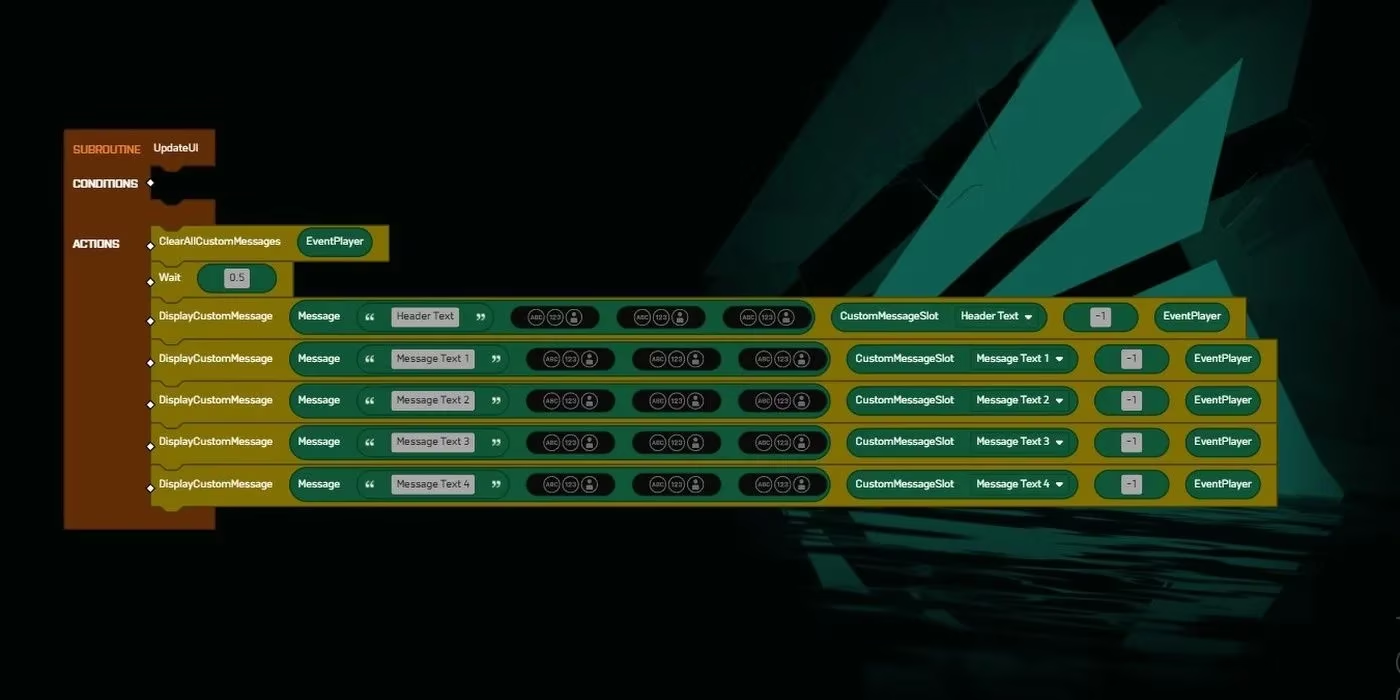
The logic editor tempts you to make one giant stack of Rule blocks. That works until it does not. Building a complex mode without subroutines is like laminating a spiderweb: it looks clever from a distance, but fixing one strand means touching everything. Subroutines are reusable Rule blocks that do not need to be connected to the Mod block, the grey container that activates your custom code. I use them for anything I expect to repeat: updating several UI elements at once, storing data in an Array, altering entries in the GetPlayers Array, or packaging a mechanic that fires in multiple places.
To create one, scroll to the bottom of the logic editor list, open the Subroutine category, click Create Subroutine, and give it a clear name. You get an orange block, and then you can slot in logic, conditions, and the rest. In my own projects, naming subroutines like functions helps: UpdateUI, GrantVehicle, CheckCrouch. That one habit makes troubleshooting less like archaeology.
Comments exist, just not as a comment block
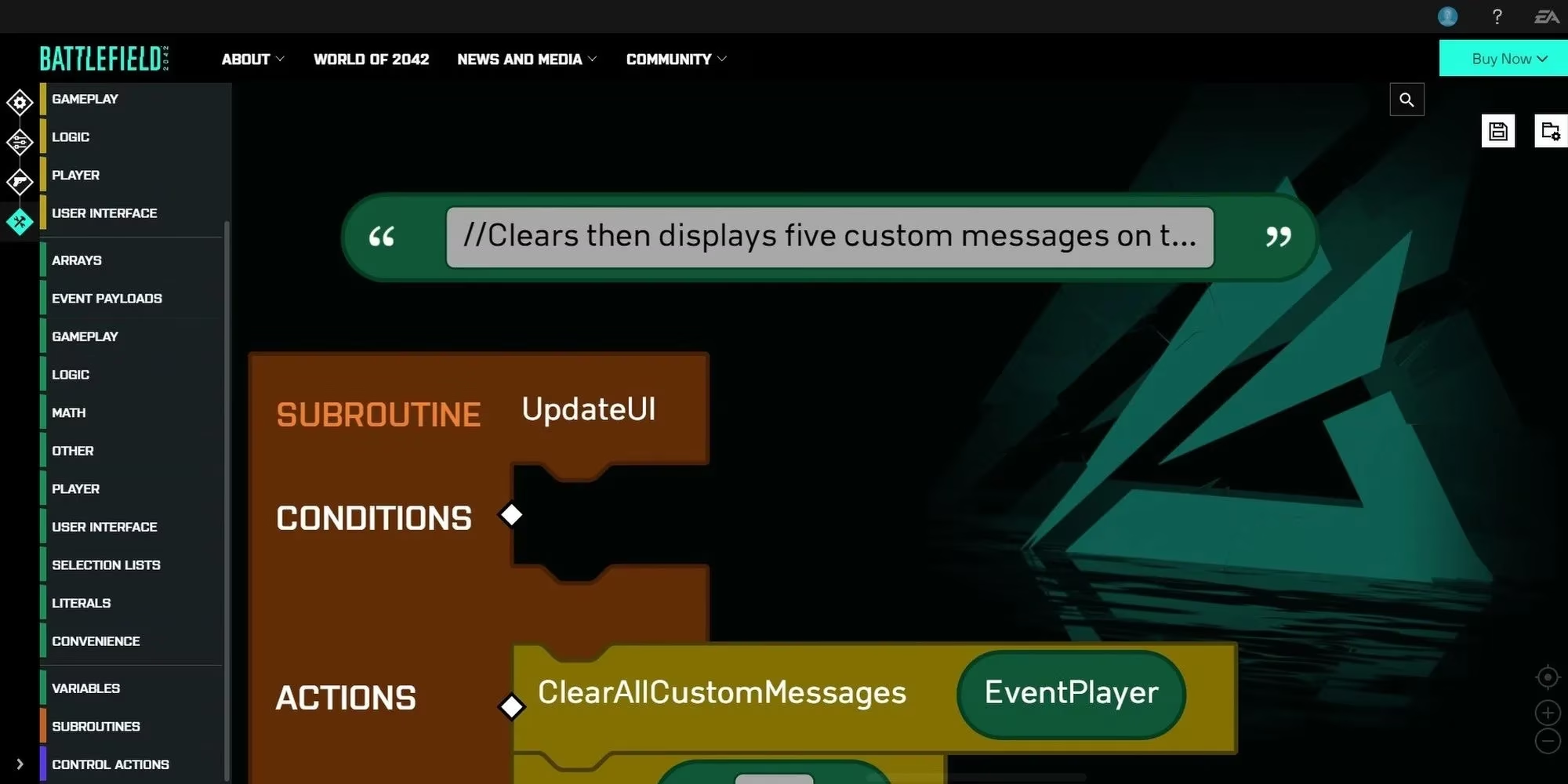
Portal's logic editor does not give you a proper comment command, which is annoying if you have ever written even ten lines of code. My workaround is simple: open the Literal tab, drop a Text block near the code you want to explain, and write a short note. I start the note with two forward slashes, like // updates the HUD when a player joins. It is not a real comment, but it is close enough to document what a Rule or Subroutine is doing.
I do this even when I am the only person who will ever see the project. Future me has a terrible memory. A few text blocks can save an hour of squinting at blue Condition blocks and wondering why a spawn logic chain is firing twice.
Force vehicles into Team Deathmatch
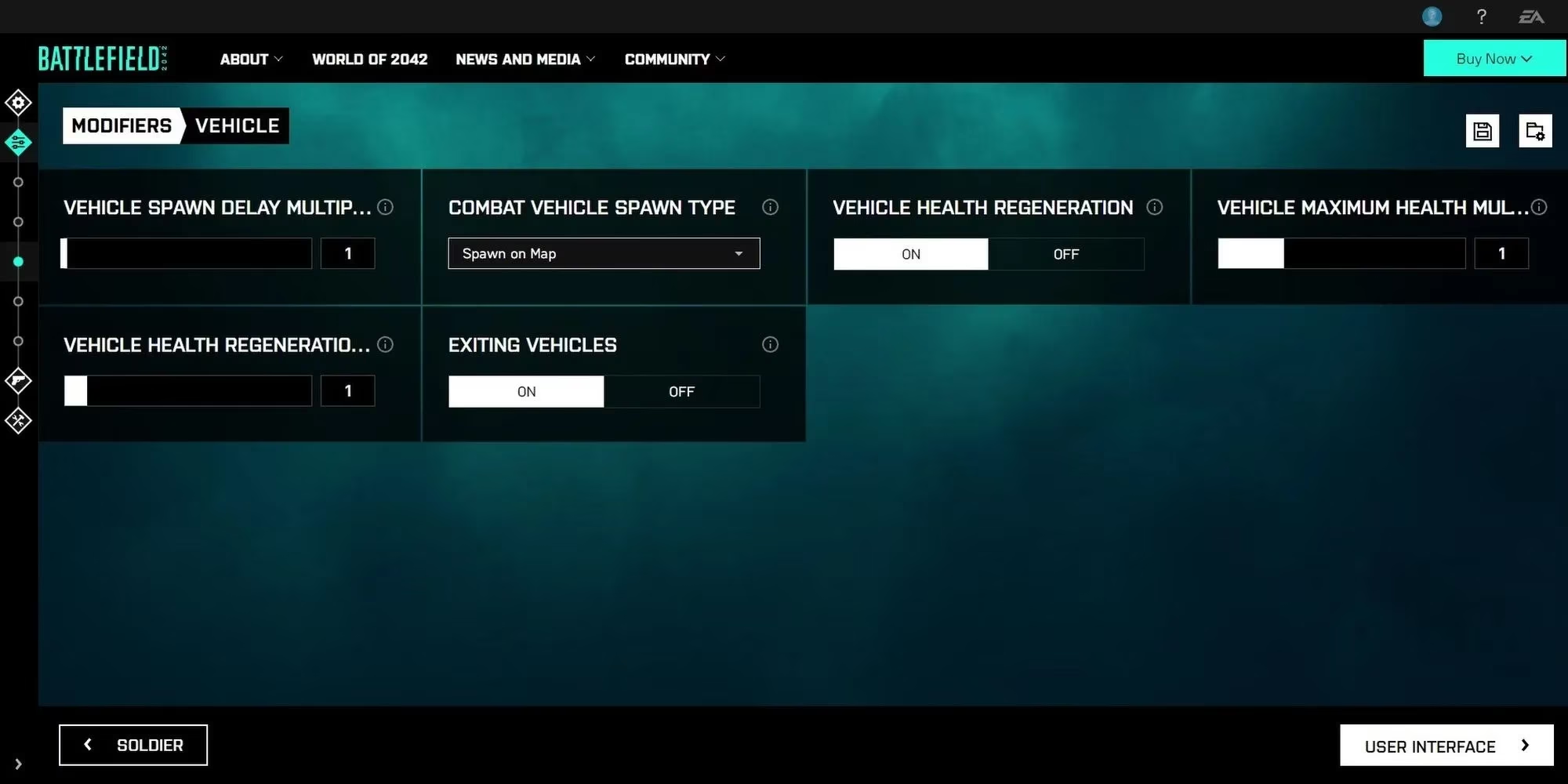
This one is not even a logic editor trick, and it is easy to miss. If you want vehicles in Team Deathmatch, go to the vehicle tab in your Portal server settings. Find Vehicle Spawn, open the dropdown, and choose Spawns On Map. As long as the map has vehicle spawn points, vehicles will show up. Bigger maps give you more toys.
The trade-off is that this disables the Call-In System. That is not a huge loss for TDM or FFA, since call-ins do not work there anyway as far as I can tell. I like this setting for chaotic warm-up lobbies where the goal is less competitive integrity and more controlled mayhem.
Make ongoing rules actually reusable
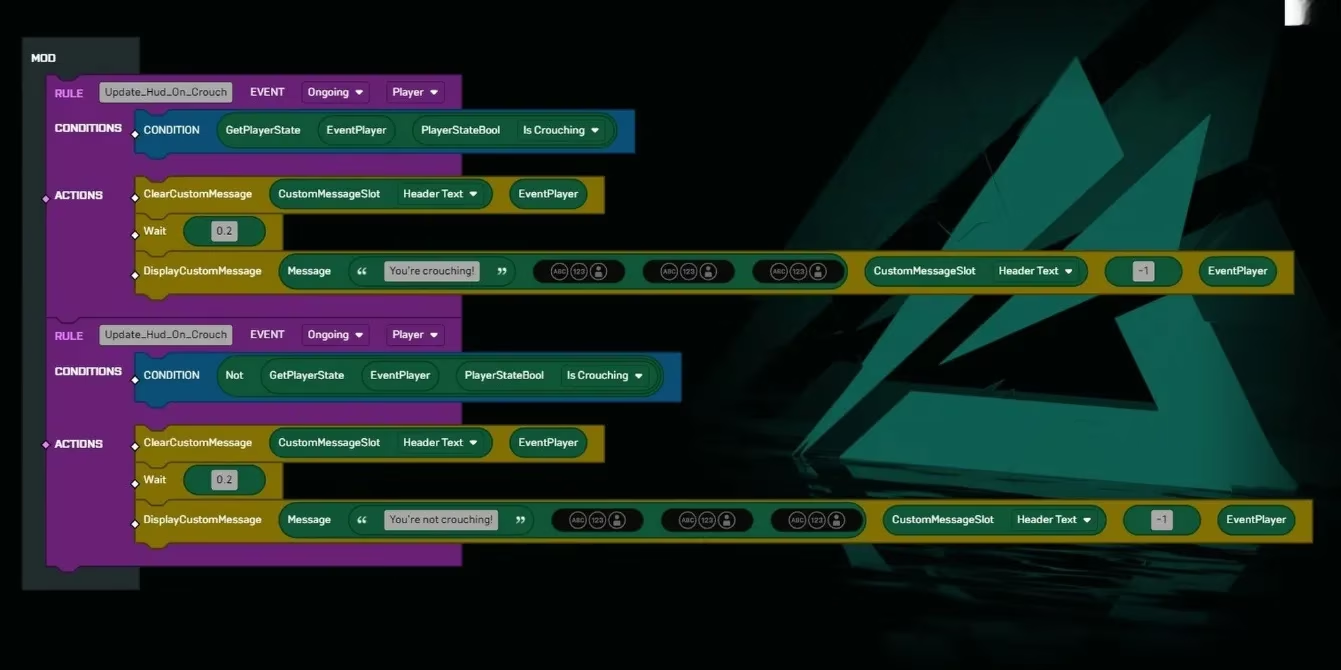
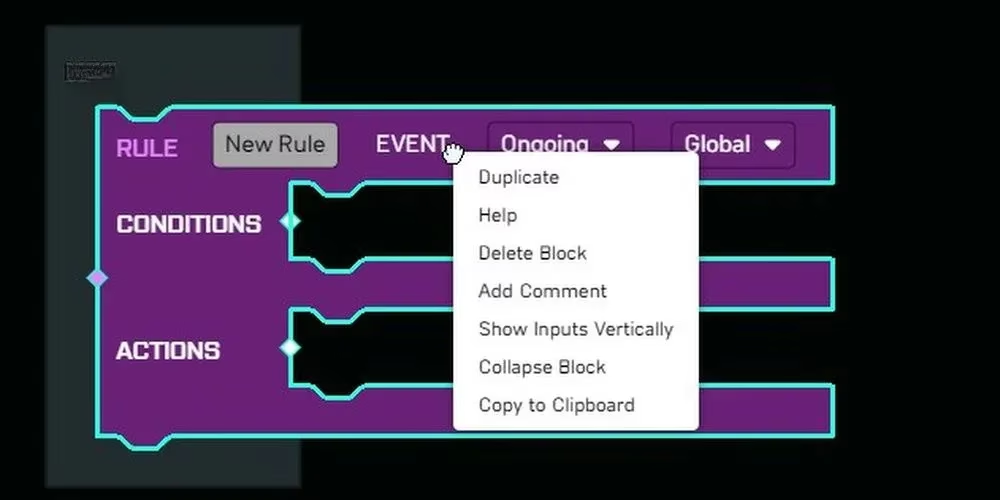
When you create a Rule block, it defaults to Ongoing and Global. I assumed that meant always active. It does not. Without a Condition block, your Rule logic fires once for the whole match and then takes a nap. Condition blocks live in the Rules tab, and they check whether something is true, false, greater than, less than, and so on.
There is a catch that bites almost everyone: the Condition must become false and then true again before the Rule block can reactivate. My favorite example is crouching. If your Condition checks whether the player is crouching, the StateBool becomes true when you squat and false when you stand. That false-to-true flip is what lets the Rule fire again on your next crouch. A Rule without a toggling Condition is like a doorbell wired to a brick: it rings once and then wonders why nobody visits.
Do not create a Condition that is always true, such as a Literal set to True as your only argument. Your code will activate once and then sit there. Give every Ongoing Rule a Condition that naturally flips during play.
Use the browser extension if you live in the editor
If you plan to spend serious time in Portal's logic editor, install LennardF1989's BF2042 Portal Extensions browser add-on. It adds quality-of-life features such as commenting, copy and paste for blocks, and collapsing or expanding sections of code. It does not unlock secret editing powers or let you rewrite Conquest, but it makes the editor much easier to live with.
I treat it as safety equipment, not a cheat code. The less time I spend dragging blocks around, the more time I have to test whether my mode is actually fun.
My quick cheat sheet
| Habit | Why it helps | Watch out for |
|---|---|---|
| Use subroutines | Keeps repeated logic reusable and readable | Do not connect them to the Mod block unless needed |
| Add text notes | Documents intent without a real comment system | Text blocks are not executed logic |
| Enable Spawns On Map | Puts vehicles in TDM | Disables call-ins |
| Give Ongoing Rules a Condition | Lets them fire more than once | The Condition must flip false then true |
| Install the extension | Faster editing and cleaner projects | It is a helper, not a new game mode |
In 2026, Portal is still a place where a player with a weird idea and too much free time can build something nobody asked for. That is exactly why I keep opening the logic editor. Start small, name your subroutines, leave notes for yourself, and test the boring cases before you add the fireworks. Your future players, and your future self, will thank you.
Comments